 prospective
On your PC
Your file stays in a folder on your computer. You manage its backups.
The PC guide →Contact management · Windows PC
Your contacts, notes and agenda in one straightforward application. With your database saved where you choose.
For independent professionals and small teams.

Storage is your choice
On a PC or local network, Prospective does not host your database. Personal cloud storage remains an online synchronisation option.
Your file stays in a folder on your computer. You manage its backups.
The PC guide →A shared folder within your business, available to the computers you authorise.
The network guide →


Google Drive · OneDrive · Dropbox
Your files are synchronised over the Internet with the provider you choose.
The cloud guide →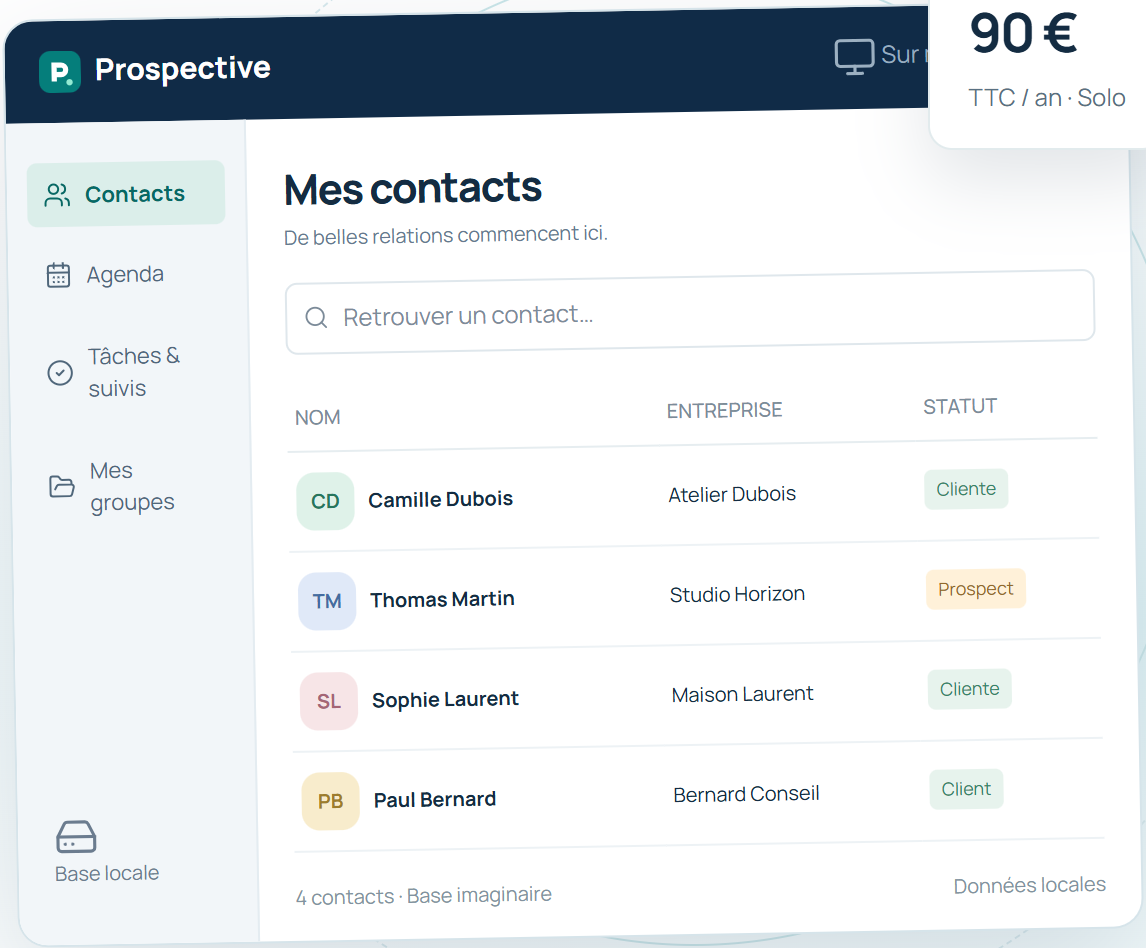
Illustration of a customer file; the interface depends on your version.
Just what you need
Find a record, add a note, prepare your next action. Prospective brings together the essentials for customer relationships without imposing a complex platform.
See the essential features →Straightforward plans
The same software, with a licence for the number of computers you use.
Solo
90 € / year
Network
270 € / year
One year from payment. You choose when to renew; remaining days are not carried over. VAT not applicable under Article 293 B of the French Tax Code.
Your data deserves your attention
Local storage puts you in control of the folder. Backups, computer protection and access management still matter. Our articles help distinguish data control from promises of absolute security.
Read the facts and sources →